
Techy guide to second-hand items for sale in Birkenhead benefits readers
Clear explainer on evaluating second-hand items for sale in Birkenhead: safety, reliability, and tech considerations for mindful buyers and sellers.

Readers curious about buying or selling used gear will find practical steps here. This explainer ties technology awareness to local shopping, highlighting how device provenance, data hygiene, and repairability matter for reliable purchases in Birkenhead.
The piece also shows how to verify listings, protect your data, and choose platforms that reduce risk when dealing with second-hand items.
By the end you’ll know how to assess listings, prepare questions, and avoid common tech-focused pitfalls in the Birkenhead market.
- This explainer links tech awareness with local buying in Birkenhead, showing how to assess second-hand items for sale. It covers data hygiene, safety, and practical checks for buyers and sellers.
- Readers learn to verify device history, protect their data, and choose platforms that reduce risk in the Birkenhead market.
- The guidance helps you plan, test, and document the process to improve confidence in every local transaction.
Basics and risks of used tech
What to check first
Start by verifying the item’s model, headlining specs, and any firmware notes. Compare listings with official specs to spot mismatches, and ask for original purchase receipts when possible. This slows bad actors and helps you gauge the item’s actual value. second-hand items for sale in Birkenhead are worth evaluating with a careful, step-by-step approach.
- Skip testing; assume it works
- Ignore data-wipe steps; overlook accounts
- Overlook battery health; buy on blind claim
The second paragraph focuses on physical condition and accessories, noting that batteries, ports, and screens drive long-term usability. Ask for high-resolution photos of wear and test if possible to catch hidden faults.
The third paragraph discusses data hygiene: insist on a factory reset, removal from accounts, and wiping sensitive data before testing or transferring ownership. Clarify return policies and documented handovers to reduce post-purchase risk.
- Verify model vs. listing
- Request receipts if available
- Test functionality thoroughly
- Check data wipe and reset
- Review return terms
Why Birkenhead matters for readers
Local markets shape price, reliability, and access to repair services. Understanding the area’s typical listings helps you calibrate expectations for condition and price. Tech buyers should weigh proximity, safety, and seller reputation when shopping nearby.
Birkenhead’s mix of small shops and online forums creates opportunities and risks. Use this context to plan in-person viewings, bring a charger, and carry a basic tool kit for quick checks.
In practice, map your needs to the local ecosystem: consider who can service devices, source parts, or provide legitimate warranties within a reasonable radius.
- Local pricing norms
- Service network awareness
- Viewing and testing tips
- Safety considerations for in-person swaps
How to protect yourself online

Digital hygiene for buyers
Before meeting a seller, clear what you want to verify and set a price range. Use a trusted payment method that preserves recourse, and keep a record of all communications. This reduces scams and misrepresentation. Birkenhead Mail latest news keeps you informed as you explore local tech exchanges and listings.
During the transaction, verify the device is not linked to a stolen account by asking for a temporary hard reset and a fresh login after purchase. This step protects both buyer and seller from later disputes.
Post-purchase, change passwords and enable two-factor authentication on any linked accounts. This keeps your data safer if the device was compromised.
- Set price range
- Use trusted payments
- Keep conversation records
- Require a reset and fresh login
- Secure any linked accounts
Data hygiene during resale
If you’re selling, wipe personal data and perform a factory reset before listing. Provide a brief debrief of what was reset and what data was removed to reassure buyers.
For devices with embedded storage, consider a professional erase service for sensitive tech. Document the steps you took and offer minimal proof of completion to build trust.
Always back up important data before resetting. Explain how the restore process works so buyers understand what they’re getting.
- Factory reset and wipe
- Professional erase for sensitive data
- Back up data before reset
- Transparency about steps taken
Options for buying and selling locally
Choosing a platform
Compare platforms that balance local speed with safety. Look for listing verification, user feedback, and clear return policies. Prioritize places with a responsive dispute process and review culture. Birkenhead events calendar can guide when to view items during community markets and fairs.
Platform features matter: search filters for device type, condition, and location save time and reduce risk. Avoid listings lacking photos or verifiable history unless you’re prepared to ask targeted questions.
If a listing seems too good to be true, treat it as suspicious and ask for more data before meeting.
- Verified listings
- Clear return policy
- Descriptive photos
- History of ownership
- Responsive support
In-person vs remote checks
In-person checks let you test hardware, check ports, and gauge wear. Bring a flashlight and a small USB stick to test ports and run basic diagnostics on the spot.
Remote checks rely on high-quality photos, videos, and a live walkthrough. Request boot-time checks or a quick demo of essential features before agreeing to a deal.
Combine both: verify identity, arrange a safe meetup, and document the item’s condition with timestamped photos.
- Physical test of hardware
- Request live demonstrations
- Document condition with photos
- Safe meetup practices
If a seller avoids basic questions, treat the listing as risky and walk away.
Pitfalls and red flags to watch for

Common scams
Phantom listings and late delivery are common hurdles in local markets. Slow payment verification or pressure to close quickly should raise suspicion. Always verify seller identity and item history before transferring money. list your company in Birkenhead can help local shops reach buyers and build trust through transparent listings.
Watch for unusual payment requests or refusal to provide test data. If a seller avoids basic questions, treat the listing as risky and walk away.
If a device is locked to an account, insist on a solveable reset process and proof of ownership transfer to avoid post-sale disputes.
- Unverified identity
- Pressure tactics
- Locked devices
- Refusal of data
- Lack of test data
Evaluating repair history
A clean repair history often indicates better long-term reliability, but be wary of non-certified work. Ask for service receipts and inspect for non-original parts that could affect performance.
Assess whether the device’s battery, charging, and screens are consistent with age. A near-new battery on an old model can be a bargain if it’s genuine and documented.
Consider how recent repairs affect resale value and parts availability in Birkenhead’s context.
- Service records
- Parts authenticity
- Battery and screen checks
- Impact on resale value
Ethical shopping and data safety
Responsible purchasing practices
When you buy used tech, start with a clear checklist of what you need and what you can tolerate on performance. Compare models by age, battery life, and user reviews to avoid overpaying for cosmetic wear. Verify the device's function through hands-on testing and check that the seller provides basic information about history and any repairs. post a funeral announcement in Birkenhead
- ☐ Define your needs and acceptable condition
- ☐ Test the device immediately for core functions
- ☐ Ask for full disclosure on history and repairs
- ☐ Keep digital records of the listing and negotiation
Ask for original accessories and documentation whenever possible. If a seller cannot show receipts or warranty details, treat the listing as a caution sign. Expect to negotiate a fair price that reflects both the device’s condition and its practical remaining lifespan.
- Test key features before handing over payment
- Ask about prior issues and repairs
- Prefer listings with clear cosmetic and functional descriptions
- Avoid pressure to move quickly to close the deal
- Document the transaction with a simple note or screenshot
Local repair ecosystems
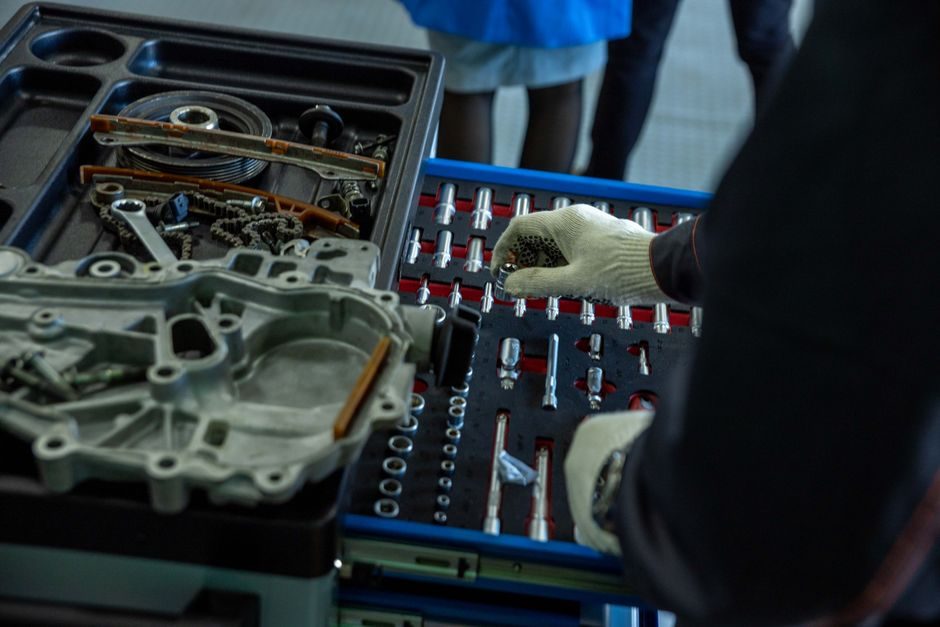
Finding nearby repair networks
Local repair shops can extend the useful life of bought devices through battery swaps, screen replacements, and software resets. Look for certified technicians who can provide a written estimate and turnaround time. A repairable device often weighs in more favorably than a non-repairable one when considering long-term value.
Community repair events or independent service providers can offer affordable diagnostics. When you understand where to go for fixes, you can confidently buy devices that would otherwise be discarded. This reduces electronic waste and supports a local economy.
- Ask for a repair quote before buying
- Check if the device is still under manufacturer warranty
- Prefer parts from trusted suppliers when available
- Inquire about data sanitization after service
- Record the repair history for future resale
Value and condition balancing
Assessing price against condition
Price should reflect both current functionality and remaining useful life. Compare listings for similar models and note differences in storage, screen quality, and battery health. A cheaper device with a poor battery may cost more in the long run due to replacements.
Estimate total ownership costs by including potential repairs, parts, and possible software updates. This helps you avoid overpaying for something that will need significant investment soon. Always weigh the trade-offs between cosmetic wear and core performance.
- Compare with multiple listings
- Evaluate battery health and storage options
- Consider total repair costs over time
- Look for clear return or warranty terms
- Be wary of dramatically low prices as they may signal red flags
Final checks before purchase
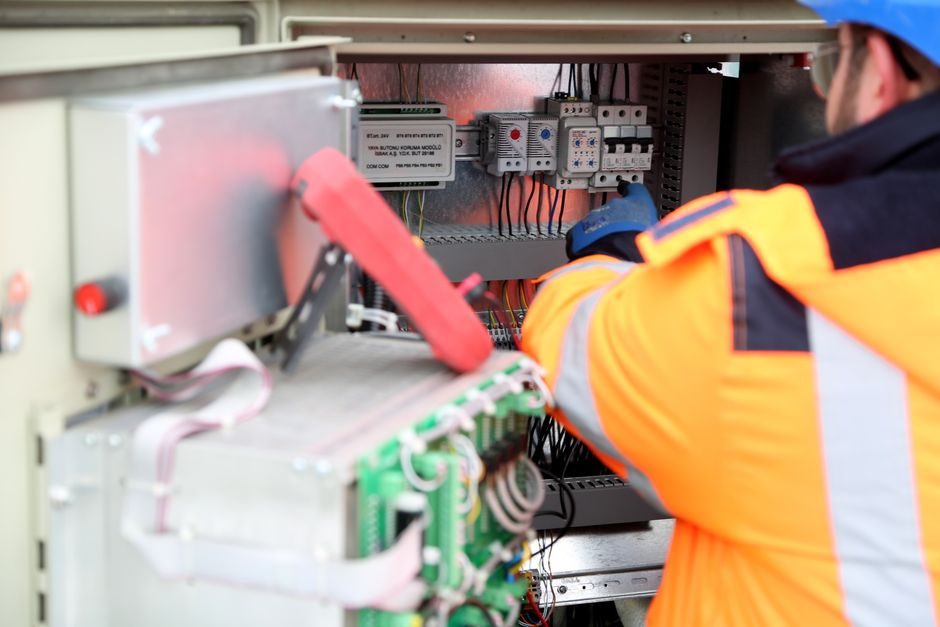
Inspection checklist before buying
Carry a simple inspection routine to verify hardware and software status. Power on the device, test cameras, speakers, and connectivity, and ensure software updates install cleanly. Confirm that the seller can demonstrate functionality in real time.
Check for signs of damage or tampering, such as screen badges, unusual wear, or replaced components. Request serial numbers for compatibility checks and cross-reference them with the manufacturer’s records. A calm, structured check reduces the chance of post-purchase disputes.
In some cases, request a short trial period to confirm performance in your daily routine. If any critical flaw is found, walk away rather than compromising on important needs.
- Power up and test key functions
- Verify software and firmware status
- Inspect for damage and tampering
- Ask for serial numbers and proof of ownership
- Negotiate a return if possible
Frequently asked questions
What if I suspect a seller is inflating the device’s condition?Politely request a real-time demonstration of key features and ask for close-up photos of the screen, ports, and chassis. If the seller refuses, treat the listing as suspicious. Compare the price with verified listings to gauge whether the premium is justified.
Are warranties possible on second-hand items?Some shops or platforms offer short-term warranties for used devices. Read the terms carefully, especially what is covered and for how long. If there is no warranty, factor in potential repair costs into your budget.
How should I handle payment and receipts?Use traceable payment methods and request a simple written receipt with device details, price, and the seller’s contact. Take photos of the device and listing as part of the record. Avoid cash-only deals for higher-value items.
Can I resell later without losing value?If you keep the device in good condition and retain original accessories, you can preserve resale value. Document any repairs or software updates, and be transparent about wear when you resell.
Next steps for mindful buying
After you complete the checks, decide whether the device fits your needs and your risk tolerance. If it does, outline a short-term plan for safe usage, including data wiping and a test period.
If you pass on the item, use the information gathered to refine your search criteria and return to a new listing with clearer expectations.
Add Honda Accord Cars as a preferred source on Google


